
Would you like to collect additional information during the booking process? The standard required fields included in the default Bookly PRO booking form are the name, phone number, email address, and appointment notes. With the Bookly Custom Fields (Add-on), you can add extra fields of different types to the Details step of the Bookly booking form. This feature allows you to gather more specific information from your clients before they complete their booking. The custom fields will be added to the appointment details in the Bookly Calendar, and can be updated if necessary.
Features
- Create as many custom fields as you need
- Use different question types: text, checkbox, drop-down, radio button, numeric, captcha, etc.
- Set up conditional custom fields
- Make fields required or optional
- Bind fields to specific services
- Create internal custom fields – visible in Bookly backend only
- Update custom fields in the appointment details if needed
This post was updated at 13/07/2026
 codecanyon" class="w-full h-full object-cover">
Keyword cloud
You might like

Bookly Customer Information (Add-on)
13/07/2026
Plugins

Bookly Files (Add-on)
13/07/2026
Plugins
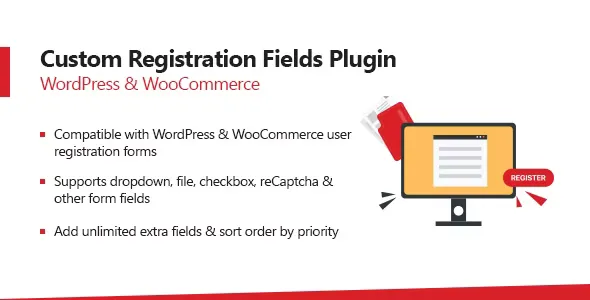
WooCommerce Custom Registration Fields Plugin
23/09/2024
Plugins

Flexible Checkout Fields Pro
03/04/2025
Plugins

Bookly Custom Duration (Add-on)
05/12/2025
Plugins

WP Manga - Manga Custom Fields
02/07/2025
Plugins