Bookly Group Booking (Add-on) v3.3
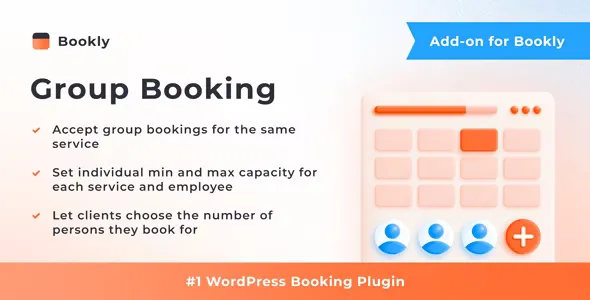
Should your appointments be for groups of people, the client can specify the amount of persons they’d like to book for. The group booking will be displayed in admin area as one appointment.
Each of your services can have a separate capacity value, which means the minimum and the maximum number of customers allowed to book the same service for the certain time period. Each staff member can also have individual capacity settings different from the default values set in Services.
The minimum length of a comment is 10 characters.
Related Posts
Bookly Packages (Add-on) v7.6
With the Bookly Packages (Add-on), you can create deals for a particular service, allowing clients to book their favorite treatment in one package.
Bookly Staff Cabinet (Add-on) v6.0
There is no more need for staff members to go to WordPress admin panel to manage their calendars, details, etc.
Bookly Service Extras (Add-on) v6.5
Bookly Service Extras (Add-on) allows you to offer extra items, services, products, equipment, or options that customers can book along with the regular appointment created via Bookly.
Bookly Collaborative Services (Add-on) v4.0
With the Bookly Collaborative Services (Add-on), you can create and sell complex services that involve multiple employees and resources, while your clients easily book a single service they need.
Bookly Locations (Add-on) v6.5
Bookly Locations (Add-on) makes it possible to associate staff members and services with different locations, so your clients can pick where they prefer to receive services before they schedule a
Bookly Customer Groups (Add-on) v4.2
The Bookly Customer Groups (Add-on) allows you to easily create and manage customer groups in Bookly, giving you the ability to set specific rules for each group.