
Bookly Outlook Calendar (Add-on) enables a complete bidirectional synchronization between Bookly Calendar and Outlook Calendar, ensuring seamless management of appointments across both platforms. With this add-on, appointments made through Bookly will be automatically added to the linked Outlook Calendar, while updates, cancellations, and new events from Outlook Calendar will be immediately reflected in Bookly. This integration makes it easy to schedule, view, and manage appointments in both calendars, keeping your schedule up-to-date and in sync at all times.
Download denied
Please login to access this content.
 codecanyon" class="w-full h-full object-cover">
Keyword cloud
Previous Post
Emage - Image Hover Effects for Elementor
Next Post
Elemix - Elementor Widgets Addon Wordpress Plugin
You might like

Bookly Locations (Add-on)
13/07/2026
Plugins

Bookly Staff Cabinet (Add-on)
14/07/2026
Plugins

Bookly Recurring Appointments (Add-on)
15/04/2026
Plugins
Bookly Tasks (Add-on)
25/02/2026
Plugins

BookingPress Pro
26/07/2026
Plugins
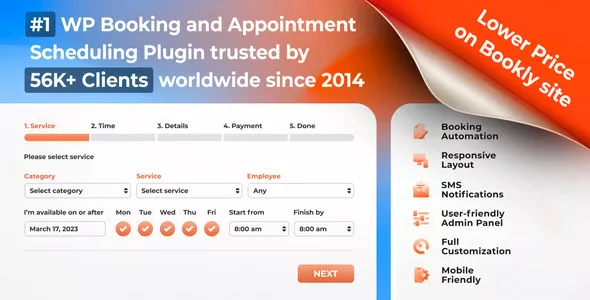
Bookly Pro - Appointment Booking and Scheduling Software System
12/07/2026
Plugins