WordPress Tooltips Ultimate & Image Hotspot v2.34
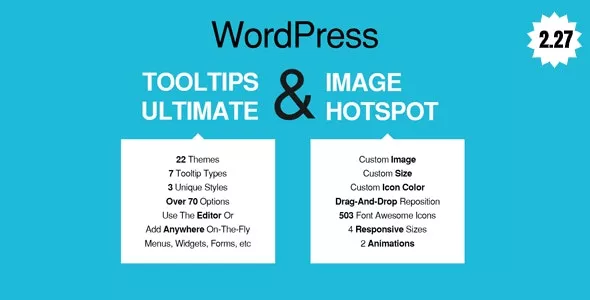
Add tooltips inside your page or post content on-the-fly by using our WYSIWYG button on the tinyMCE editor. Add tooltips anywhere on your site on-the-fly by using our Live Tooltip button on the WordPress toolbar. And by anywhere, we mean anywhere, on menus, widgets, images, forms (gravity forms, contact forms 7, etc.), WooCommerce assets, you name it! You can add tooltips even at the backend administration panel!
 codecanyon" class="w-full h-full object-cover">